Write once, publish everywhere
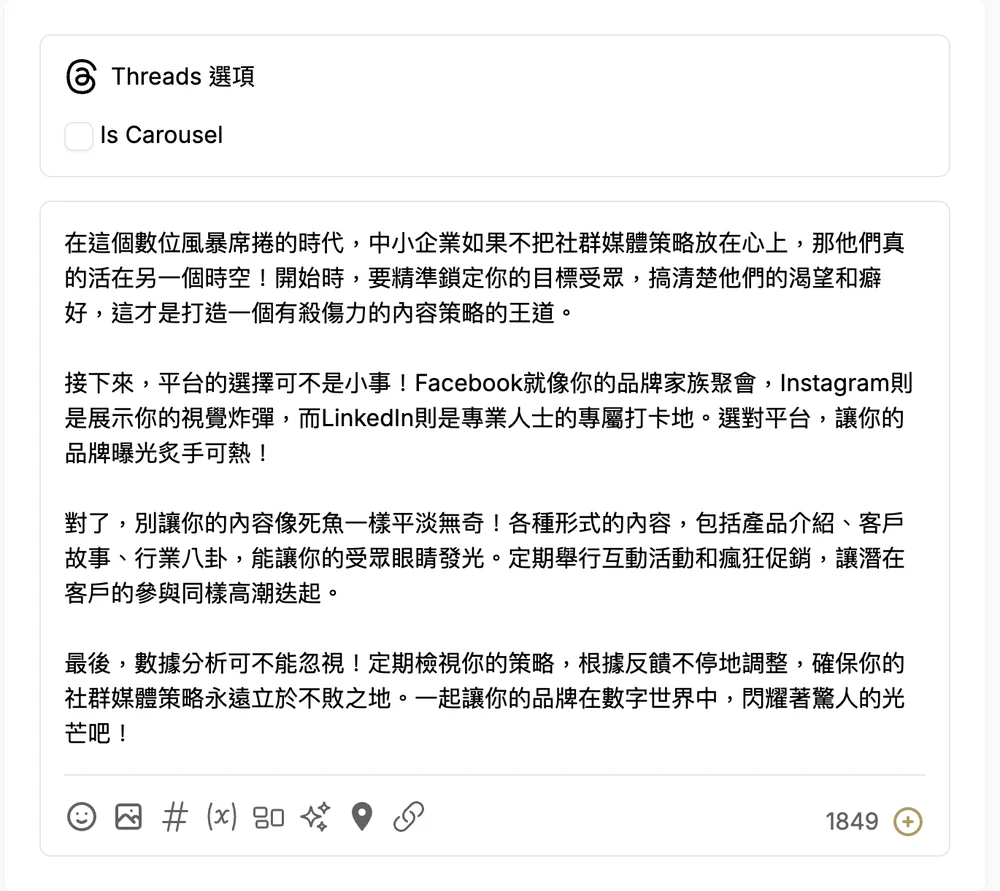
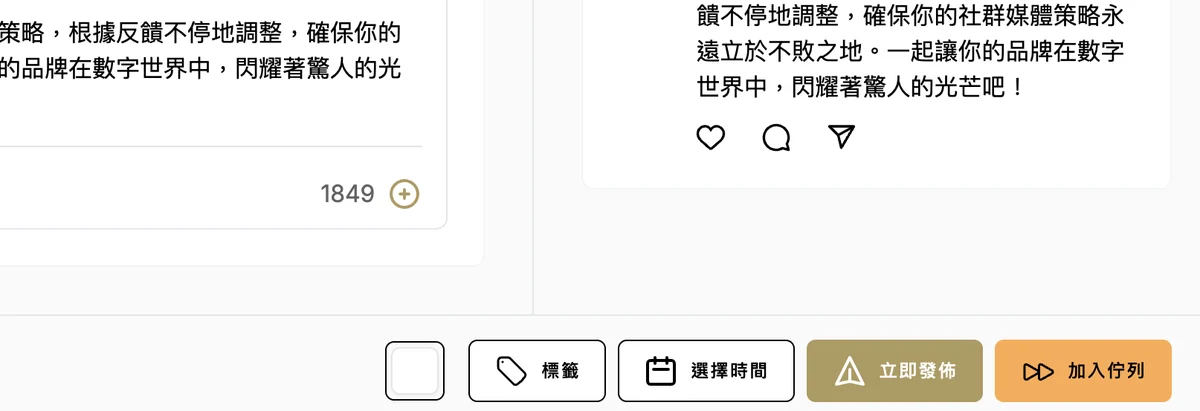
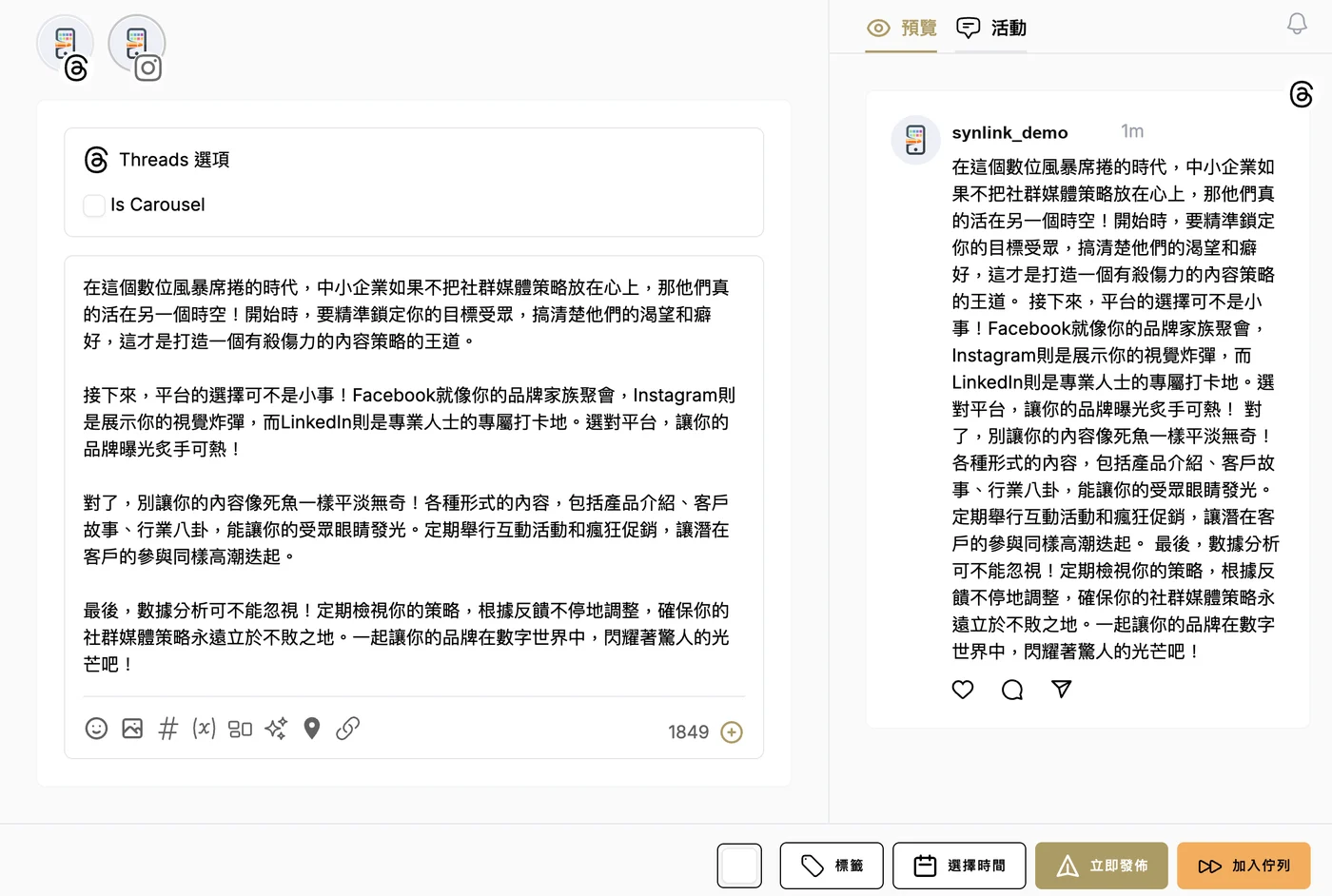
No more logging in to each platform. Schedule it and it goes out on time.

Social media workspace
Schedule posts, reply to messages and follow up with customers, all in Synlink. Fewer tabs, more time to create.
One workspace for all your social accounts
 Facebook
 Instagram
 Threads
 TikTok
 YouTube
 LinkedIn
 Pinterest
With Synlink
No more logging in to each platform. Schedule it and it goes out on time.
Comments and DMs land in one place. Assign them to teammates so nothing slips through.
Answer common questions automatically, collect customer details and see who needs a follow-up.
Stuck for ideas? Let AI draft captions and images, or connect your favorite AI assistant and manage social by chat.
Writers draft, managers approve, and everyone sees only what they need to.
Plan a full month on the calendar so the whole team knows what goes out and when.
What's new
Manage your schedule by chat, test Reels before they go live and answer TikTok DMs from one inbox.
Connect Synlink to AI assistants like ChatGPT and Claude, then check your schedule, draft posts and organize customer lists just by chatting. Stay on top of things without opening the dashboard.
Show a new Reel to non-followers first, then share it with your followers once it performs well.
TikTok comments and DMs now arrive in your inbox, and you can pick trending songs right in the editor.
Schedule Facebook and Instagram Stories together in one go.
Mix photos and videos in Instagram carousels for more engaging posts.
Bulk import posts from a spreadsheet, including YouTube.
Add the first comment when you publish, perfect for links and hashtags.
Connect OpenAI, Gemini, Claude or DeepSeek and let AI reply to customer messages, even in the middle of the night.
Connect Google Calendar or Zoom so customers can book right in the chat, with meeting links created automatically.
New contacts sync automatically to Google Sheets, HubSpot or Mailchimp. No more copying by hand.
Get started in 3 minutes
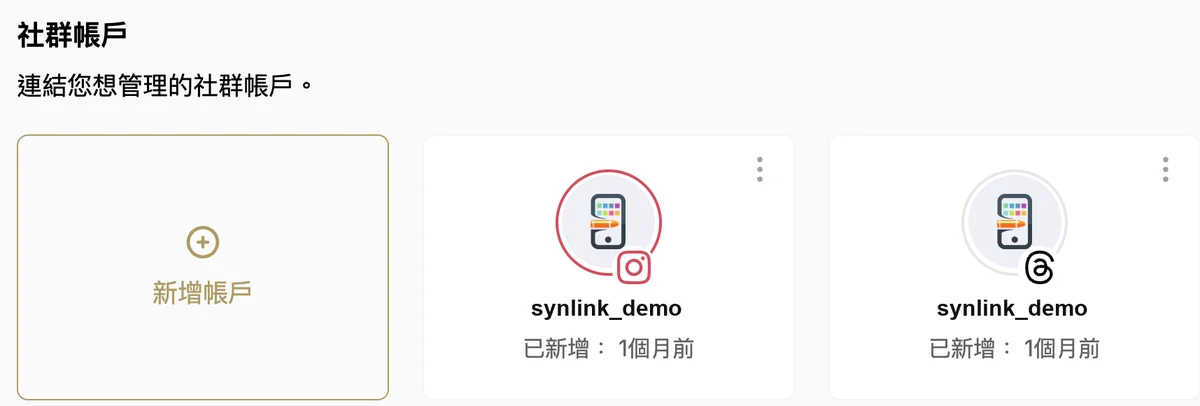
Once your accounts are connected, comments and DMs show up in your inbox automatically. Just reply.
Pricing
Connect your accounts, try scheduling and AI captions, and upgrade when you're ready.
Basic
For individual creators who post consistently.
Pro
For professional creators and brands posting often across platforms.
Premium
For businesses and teams managing social at scale.
Prices in New Taiwan Dollars (NT$). Choose a plan and pay inside the app after signing up. You can cancel anytime and keep access until the end of the billing period. Payments are non-refundable. See our Refund Policy.
FAQ
Yes. New users get a 7-day free trial, one per account, to connect accounts, try scheduling and use AI captions. Unless you cancel before the trial ends, it converts to a paid plan and you will be charged.
Facebook, Instagram, Threads, TikTok, YouTube, LinkedIn, Pinterest and other major platforms, all from one place.
For Facebook, you connect a Page, not a personal profile. For Instagram, switch to a professional account first. It's free and takes a moment in Instagram settings. Other platforms follow their own rules, and you'll be guided when you connect.
No. You connect through each platform's official authorization page and sign in yourself.
Yes. It's great for agencies and multi-brand businesses. Each brand is managed separately, so content and schedules never mix.
No. You don't need a copywriting, design or marketing background. Pick a topic, let AI draft the content, schedule it, and keep posting consistently.
"Scheduled posts" means how many posts can be waiting in your queue at the same time. Once a post goes out, it frees up a slot for a new one. Each plan has a different limit, so choose the one that fits how often you post, and upgrade anytime if you need more.
AI credits are refreshed every month based on your plan, and unused credits don't carry over. If you run out during the month, you can upgrade to a plan with more credits. You can also connect your own OpenAI, Gemini, Claude or DeepSeek key under Integrations for AI auto-replies and the AI knowledge base. That usage is billed to your own API account and doesn't use your plan's AI credits.
Your scheduled content stays in place. Just sign in again to restore the connection. Please do it soon after you're notified, so posts due in the meantime still go out.
Yes. You won't be charged again, and your plan stays active until the end of the current billing period. Payments are non-refundable.
Ready?
Start your 7-day free trial and schedule your first post today.
Start free trial ↗